


In the right column of the front page, there is a new feature for look for data models
| Initial
once type ‘light’ it looks like in the right |
Filtered
Every entry is an hyperlink |
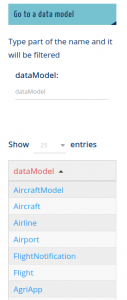 |
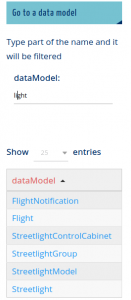 |
In the right column of the front page, there is a new feature for look for data models
| Initial
once type ‘light’ it looks like in the right |
Filtered
Every entry is an hyperlink |
|
|
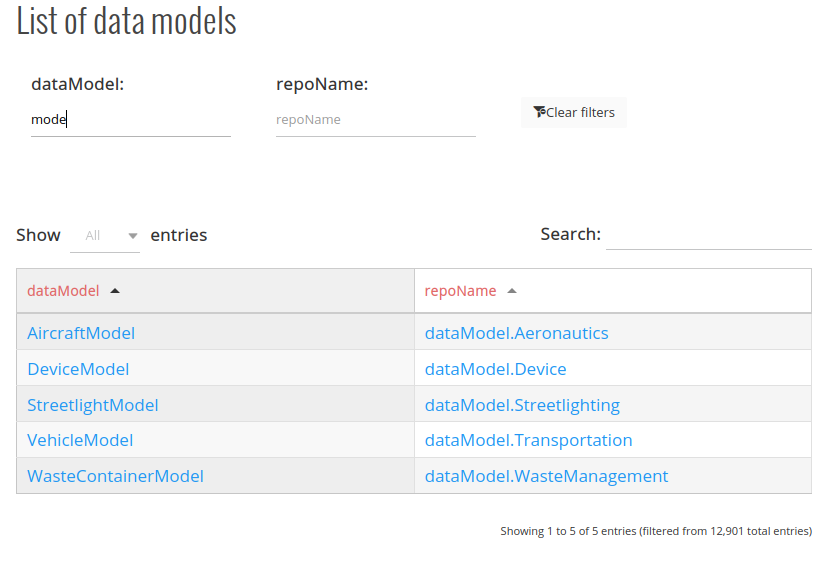
The list of data models has been completely changed.
Step 1: write part of the name of data model or repository
Step 2: The table filter the options
Step 3: Click on the name and it takes you directly to the github location you need.
In order to reduce the work for the contributors of the new data models, there is a new section on the contribution manual title ‘don’t do these’ with recommendations for the most common poor practices in the contribution process.
Although all contributions are welcomed it will save everybody’s time by reading this section once.
Additionally, the section can be improved so you can submit your recommendations/lessons learned here.
There is a new option in the main menu Data Models -> Contribution Checklist
It is strongly recommended to pass every element before submitting your new data model.
See below the checklist
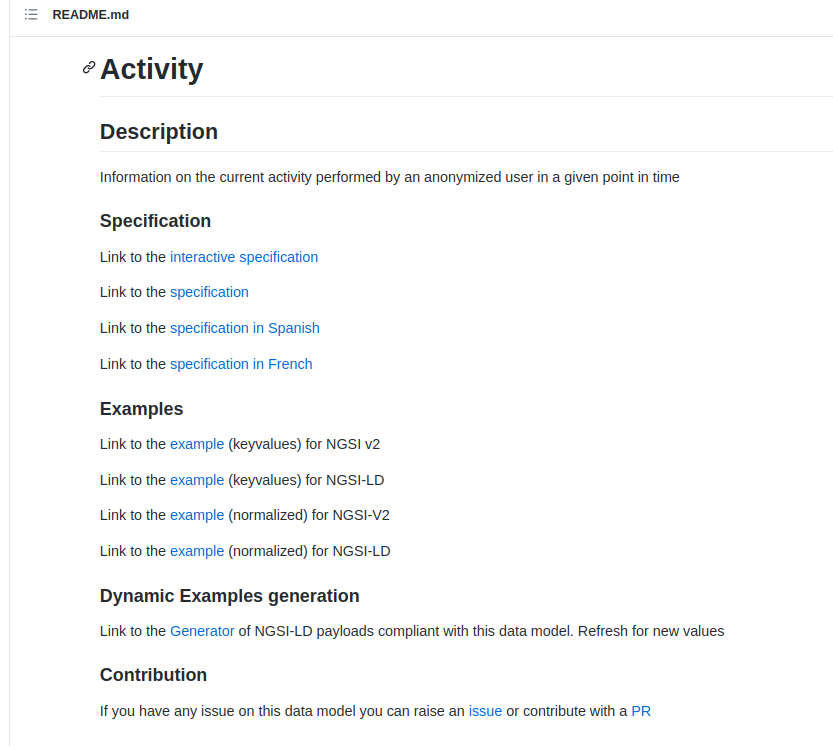
Now the README file of every data model includes a link to the generator of NGSI-LD payloads compliant with the data model.
As you can see in the image below there is a new section “Dynamic examples generation”
There is the sentence “Link to the Generator of NGSI-LD payloads compliant with this data model. Refresh for new values”. By clicking the Generator link an example of payload appears on the web page. Refreshing (F5) generates new payloads.
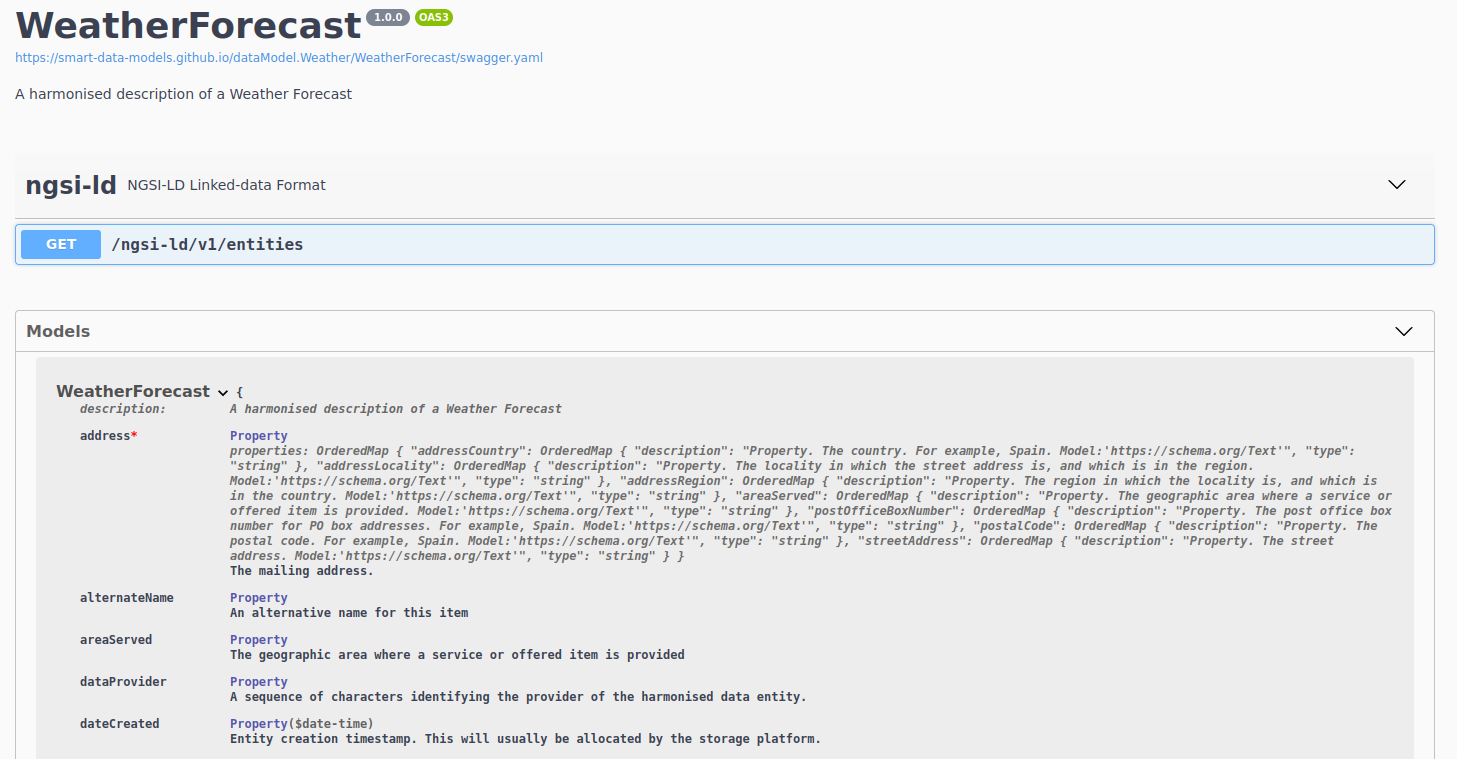
Now all data models have an interactive specification. (As long as they have examples)
This is the first step to deeper interactive services for every data model contributed.
See the example for weatherForecast.
The file common-schema.json compiles those properties massively used across the different data models in the different domains.
The property userAlias has been included to store those anonymous identifiers of a user that cannot be traced back to the user.
It can be referenced in any data model just by including this code
“userAlias”: {
“$ref” : “https://smart-data-models.github.io/data-models/common-schema.json#/definitions/userAlias”
}
This a general review of the contributions’ manual with these changes:
Located in the upper menu of the site.
It has been updated the database for searching properties, two main improvements:

 Candidates updates