New data model at Environment subject, Night Sky Quality
- NightSkyQuality. Data regarding the observed sky quality and the status of the measuring device.
New data model at Environment subject, Night Sky Quality
We have released two very simple programs to create an entity in a context broker and for removing an entity based on its id.
Although this is pretty straight forward, being coded in PHP allows you to integrate with, in example, in a WordPress site.
In fact these programs are working in the test Orion-LD broker option, located here at home -> tools -> test Orion-LD broker
The source code is available at the utils directory and the data-models umbrella repository
In the tools menu there is a new option “Test Orion-LD broker“.
In this address https://smartdatamodels:1026 there is an Orion-LD Broker installed open for testing purposes. You can check
It is wiped out every hour, on minute 27, and then repopulated with some hundreds of examples (most of the current examples in data models).
Some examples of queries:
Here there are the slides of the SALTED project presented at the session on SDM during past FIWARE summit held at Vienna.
It deals with data enrichment and how to merge heterogeneous data sources.
In these links you can find the two presentations of the training camp held during past week FIWARE summit.
![]()
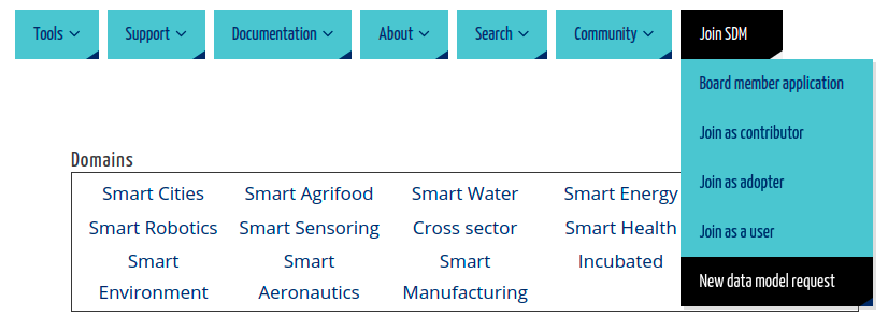
The last option of the menu, now include the forms to join the SDM community in the different roles:
Board Member: Organization managing the SDM together with the existing members FIAWRE, TMForum, IUDX and OASC
Contributor: People who bring new / update data models
Adopter: Organization or project using some of the data models
User: People willing to be informed about the updates on the Smart Data Models initiative

Next 12th of June 17:00 we will have a 1 hour session during the FIWARE summit in Vienna.
The session will be a group of short presentations (<12 min) about actual use cases using Smart Data Models.
Fill out the form if you are willing to participate as a speaker
In the context.jsonld of every subject there are long IRI for every first-level attribute and for the names of the entities. See this example.
formerly the link of the attributes took you to an existing web page while the links of the entities take you nowhere. Strictly there is not need to take anywhere, however, it would be useful to create such pages with basic information. Now there are also links to the entities’ pages, where a new page is being created. See this example.
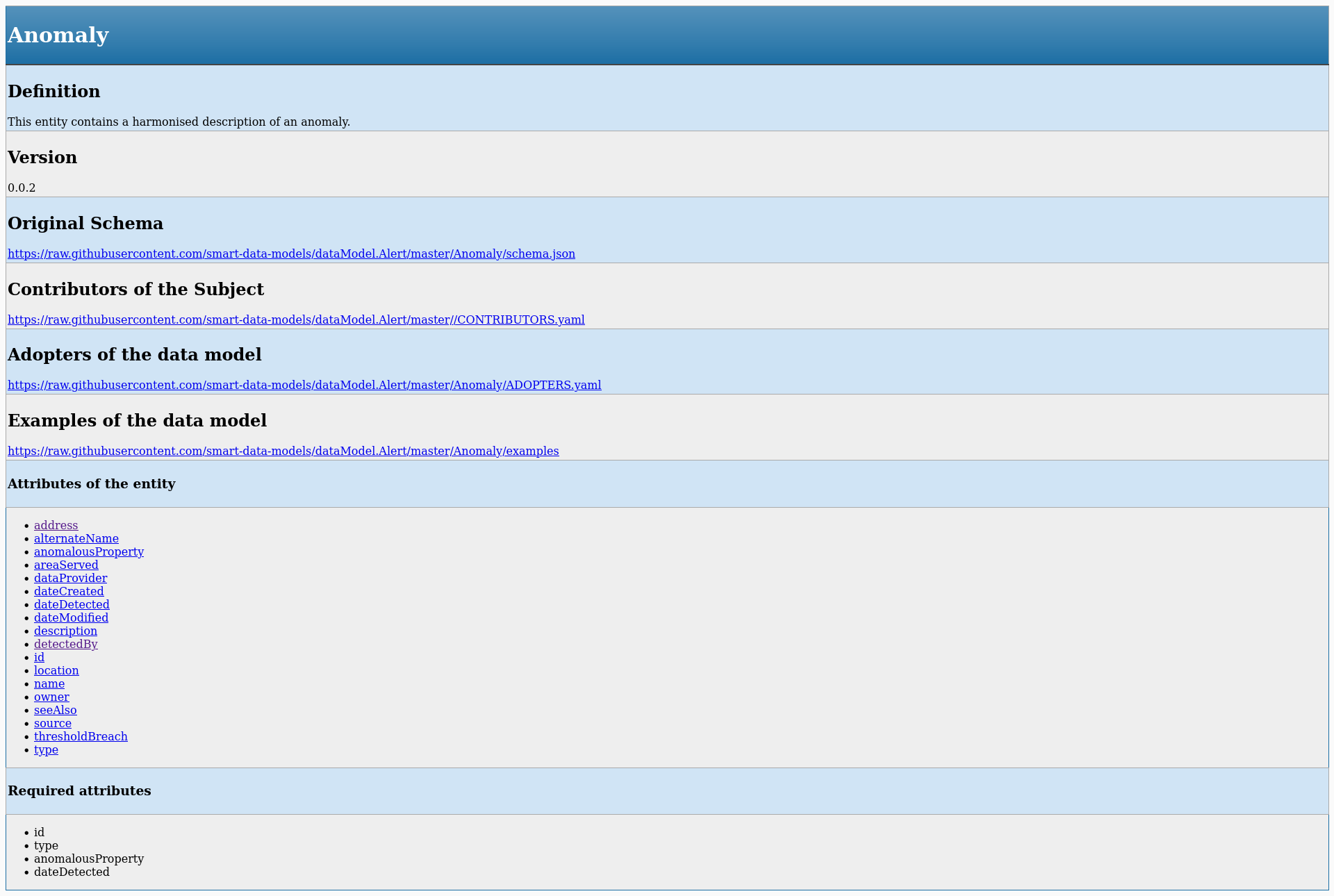
Now all of them have their own page with these sections
See here the example for the data model Anomaly.

We have released a master sheet that simplifies the contribution to the smart data models.
It uploads the data model to a new repository called drafted.
The video help is also available
Steps for using the spreadsheet
0.- Make a local copy in your google account and grant permission the first time you use it (it warns you that it is not validated by google, true, but anyhow go to advance and grant the permissions
1.- Include your example in json key values
2.- Include the name of the data model, its title, the subject, and the description together with your email
3.,- Describe the attributes, their NGSI type, their data type, and the written description.
And click on the two buttons
We have noticed an error in the description of the attribute location in the file common-schema.json, a file that is embedded in most of the data models. It does not affect the data types (so the validation of the schemas is not affected) but it affects the qualification of the NGSI type that it is not properly identified,
GeoProperty is written with capital middle P.
The file has been updated and soon it will be launched an update of all the data models affected.